Maritime
Total awareness from shore to horizon.
Native nautical units, the whole fleet on one live map, and private team voice — the coordination layer alongside your VHF, for coastal and harbour operations.
Native nautical units, the whole fleet on one live map, and private team voice — the coordination layer alongside your VHF, for coastal and harbour operations.
Team voice, live positions and passage planning for the water — the layer that works alongside your radio, not instead of it.
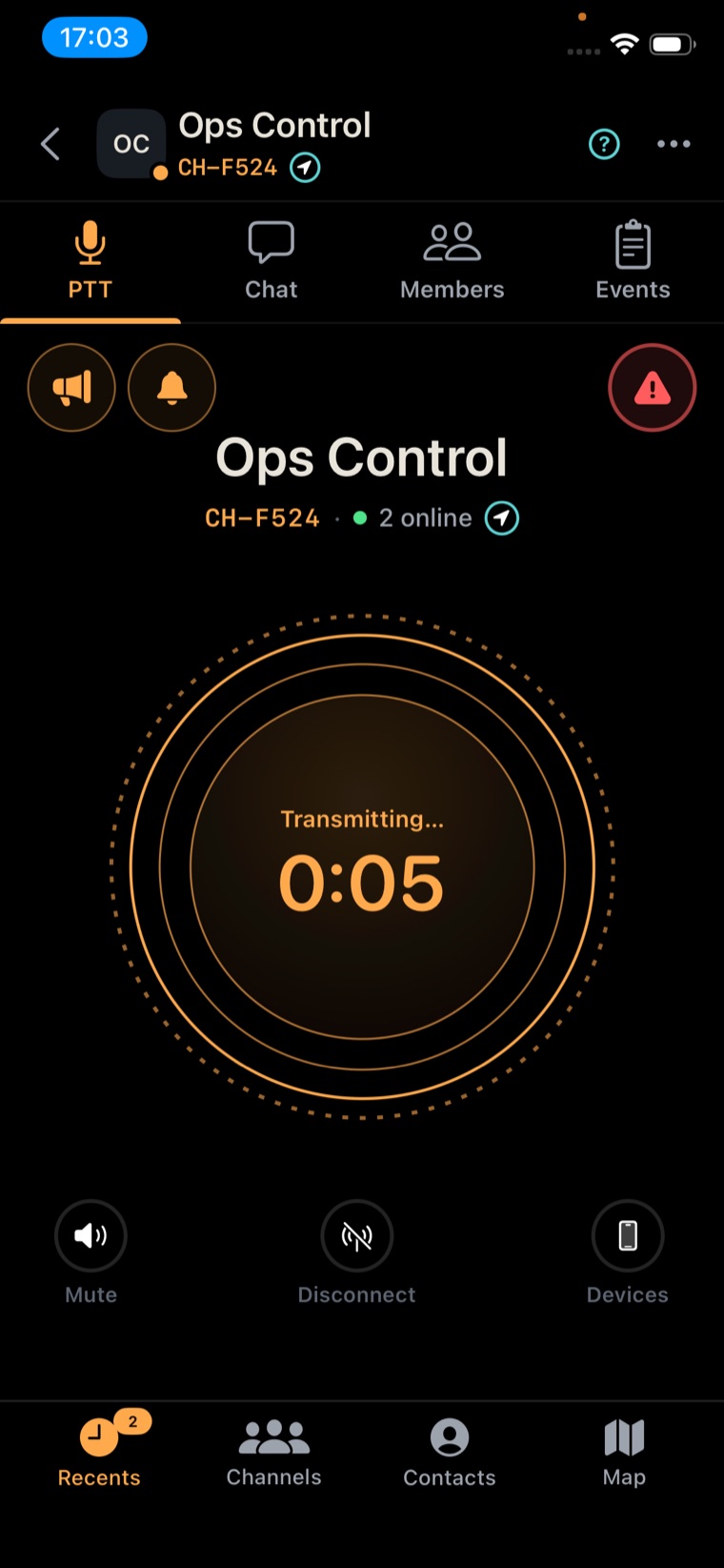
Reach one boat or the whole fleet with a button — private team voice that keeps the working chatter off channel 16.
Plan passages with knots, nautical miles and marine units built in.
Every vessel on one live map — position, bearing and presence at a glance.
Lock onto a boat for a live bearing and distance as it moves — for a rendezvous or a recovery.
Hold SOS to broadcast your position and open the mic to the whole fleet.
Mark shoals, hazards and zones; warnings ride the chart to every crew.
Stream conditions from the bow, or check another vessel’s deck.
Offline maps and a local edge server connect boats within range without the internet.
The skipper briefs the fleet on one channel and shares the passage, hazards marked. Underway, the boats stay on the map — bearings and distances live. A crew spots a swimmer in trouble and holds SOS; position and open mic reach every vessel, and the nearest boat Bloodhounds straight to the mark, while the VHF stays clear for the mayday. Back at the wall, it’s all logged.
Terraxi Pro is on the App Store, Google Play and the web. Install it on your phone or open it in your browser, and bring the fleet onto one channel.
Free to download